
Create your own before & after images
Create your own before and after images below with MERIDIQ’s free tool!

Create your comparison here
Upload your images and create professional before and after comparisons directly in your browser.
Why should I use comparison images?
Show differences clearly
Before and after images can be used to highlight differences in photos. This could be aesthetic treatments, makeup, hairstyles, or virtually anything else.
Share your results
Whether it’s lip fillers or a stunning new hairstyle, before and after images let you showcase results on social media or your website.
Build your credibility
If you run a clinic or perform treatments, being able to show results to potential new clients is essential.
How it works
Upload image
Upload an image (before)
Adjust image
Use the tools to adjust the image
Add the next one
Upload the next image (after)
Position & compare
Adjust the image on top of the first
Download
It’s ready – download your result!
Before and after image examples
Below are a couple of examples of what before and after images look like once you’ve used the tool and downloaded your images.
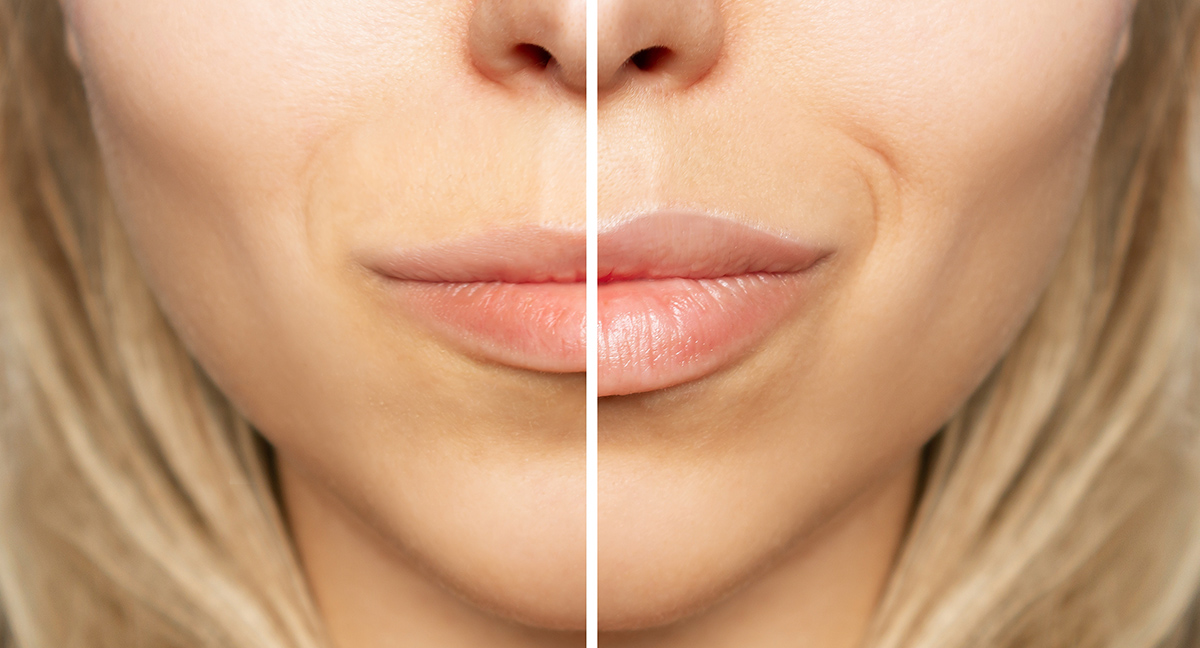 Before
After
Before
After
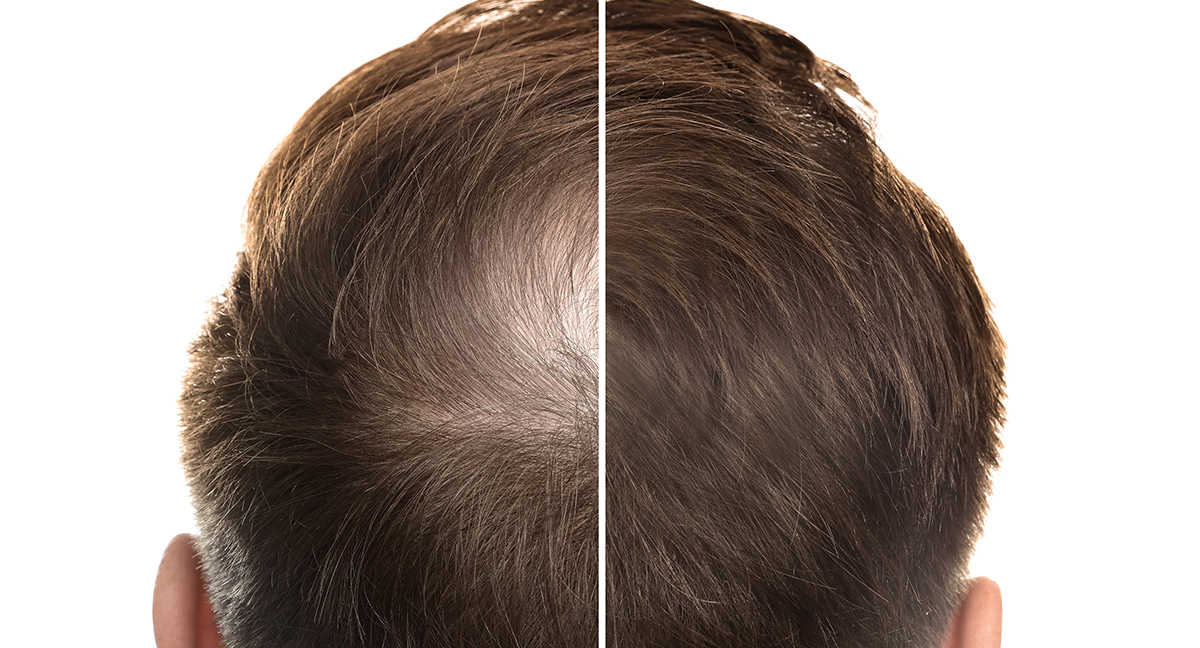 Before
After
Before
After
No images stored
We do not store any images that are uploaded and used in this tool.
Easy to use
Create professional comparisons in just a few minutes – no prior experience needed.
Built into MERIDIQ
This feature is also available inside MERIDIQ, so you can create before and after images for your patients directly in their records.
Perfect for clinics
Showcase results in a professional way for clients and patients.
Frequently asked questions
MERIDIQ is free to use for 14 days with no feature limitations. Get started here!
No, we do not store any images that are uploaded and used in this tool.
If the images are yours and you have consent from your client, you may post them on social media. However, using these images for advertising may not be appropriate.
Yes, we have included this feature so you can create before & after images for your patients directly in their records.
Get started with MERIDIQ and create before & after images for your patients
This feature is built into MERIDIQ – create professional comparisons directly in the patient record.